

Σχετικά με το παιχνίδι
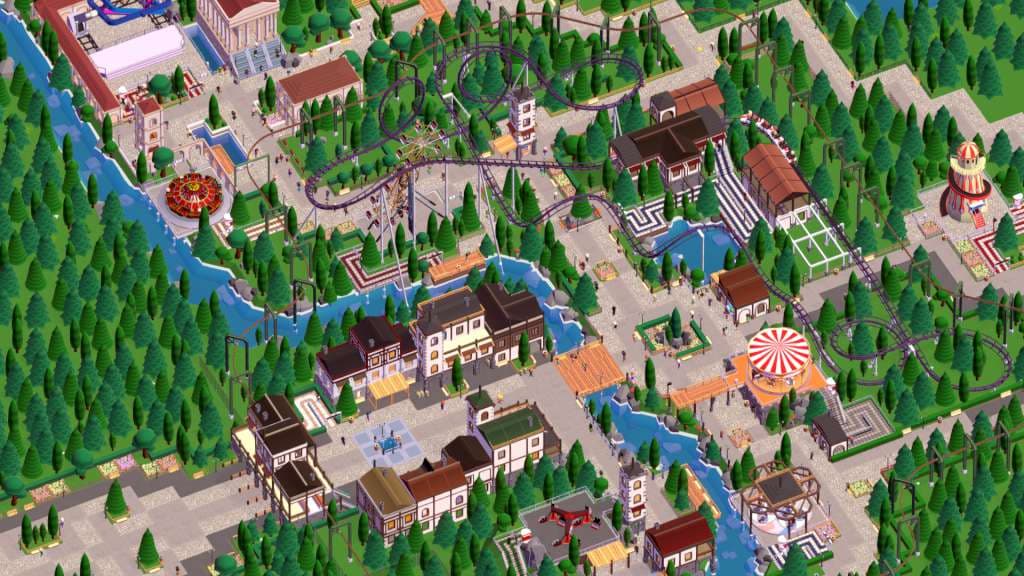
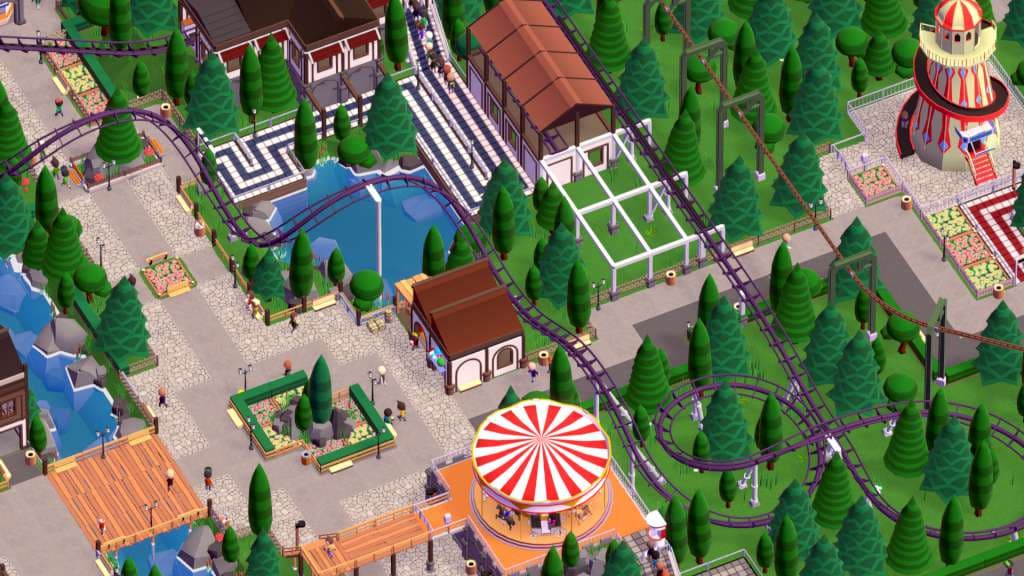
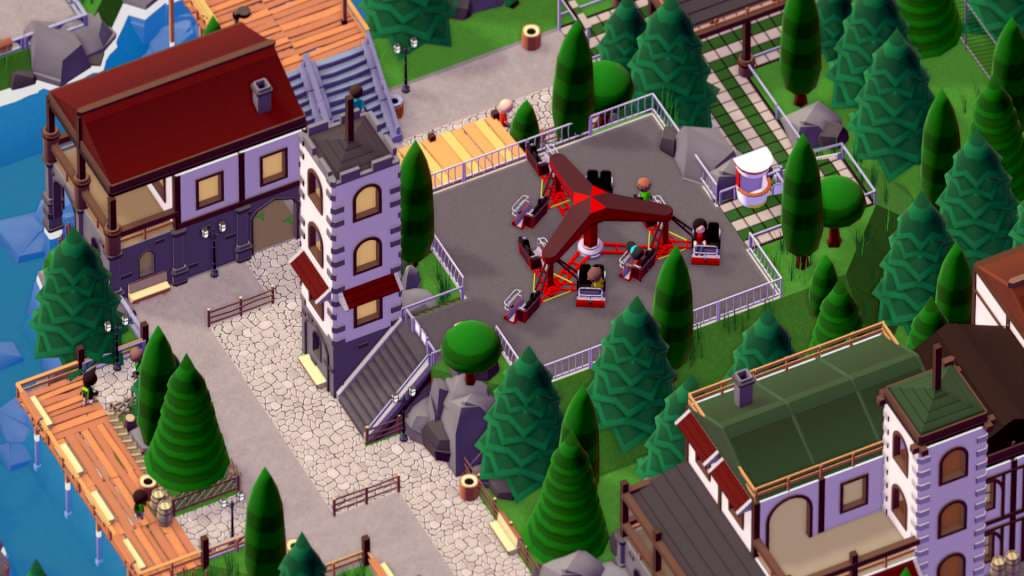
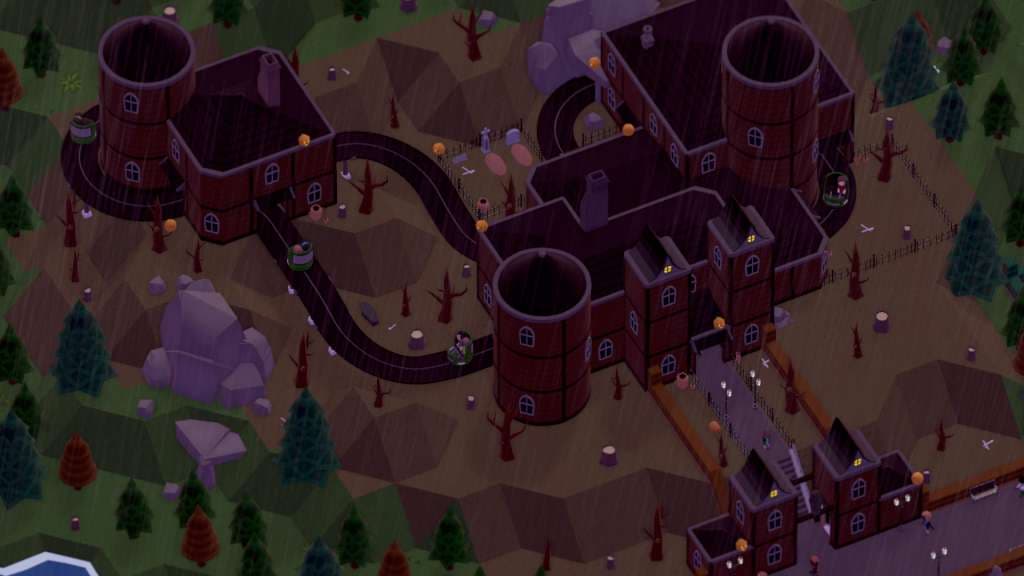
Parkitect Steam Gift Platform: Steam Release Date: 5/05/2016 Product Description Parkitect is a business simulation game where you must build a successful theme park. Build the theme park of your dreams, and keep it running! Meticulously design that newest roller coaster, place the rides where you want them to be, and construct scenic structures and objects to make the park beautiful. Let your creativity shine, and when you're finished share it with the world! Features Tools to build the theme park of your dreams A robust, piece-based roller coaster designer to let you build the greatest roller coaster you can think of Detailed guest behaviors. Watch them take the train to that new section of the park, or read their map to find a ride Build efficient transport infrastructures to keep your park stocked Maintain the illusion by hiding utility structures and the inner workings of the park from guests Extensive support for mods and custom content System Requirements PC System Requirements OS: Windows Vista, Windows 7, Windows 8, Windows 10 Processor: 2.3 GHz Intel i5 or comparable Memory: 2 GB RAM Graphics: Anything made since 2004 DirectX: Version 9.0 Storage: 1 GB available space Mac System Requirements OS: Mac OS X 10.8+ Processor: 2.3 GHz Intel i5 or comparable Memory: 2 GB RAM Graphics: Anything made since 2004 Storage: 1 GB available space Linux / SteamOS System Requirements OS: Ubuntu 12.04+, SteamOS+ Processor: 2.3 GHz Intel i5 or comparable Memory: 2 GB RAM Graphics: Anything made since 2004 Storage: 1 GB available space
Πώς ενεργοποιείται
"Please remember that we are NOT responsible for any problems that may arise from purchasing and using Steam Gifts. You are doing it at your own risk. "Please note, that due to recent Valve Steam Gift policy update Steam Gifts for games that are covered by VAC ban program can no longer be added to Inventory. Make sure that you are logged in to the proper account before entering the link as Steam Gifts can be only added to your library or rejected. How do I use a Steam gift given to me? If you do not already have Steam, download and install Steam here. Once you have Steam installed, you will be prompted to create an account or login to an existing Steam account. If you do not have an account, please create one. You will receive an e-mail containing a link that will open Steam allowing you to redeem your gift. After clicking the link, you will receive a notification at the top right corner in the Steam client informing that you have a new gift.
Μπορεί να σας αρέσουν
- Sid Meier's Civilization IV PC Steam Account Steam · REGION FREE · Metacritic 94Μόνο 5 κλειδιά ακόμη
 11,33 €
 - Sid Meier's Civilization IV Steam GiftSteam · REGION FREE · Metacritic 94Μόνο 1 κλειδιά ακόμη11,39 €
- Sid Meier's Civilization IV Complete Edition PC Steam AccountSteam · REGION FREE · Metacritic 94Μόνο 5 κλειδιά ακόμη
 15,82 €
 - Sid Meier's Civilization IV Complete Edition EU Steam CD KeySteam · EUROPE - all countries · Metacritic 941,41 €
- Sid Meier's Civilization IV Complete Edition PC Steam CD KeySteam · REGION FREE · Metacritic 94Μόνο 2 κλειδιά ακόμη
 1,49 €
 - Sid Meier's Civilization IV Complete Edition SEA PC Steam CD KeySteam · ASIA · Metacritic 942,99 €