Battle.net
US$50 cardUnited States
The code arrives as text or as a picture of the card, on your order page. We email you a link to it, never the key itself.
How to activate
How to Redeem Battle.net Balance Card In order to add Gift Cards to your Battle.net account, follow the instructions below: Go to www.battle.net/balance Log in to your Battle.net Account. Enter the code into the code redemption box. If all goes well, you will see a confirmation message and the amount will be added to your Battle.net Balance funds shortly thereafter. Check that your funds have been correctly added by looking at your balance in the top-right of your account management screen.
Other gift cards
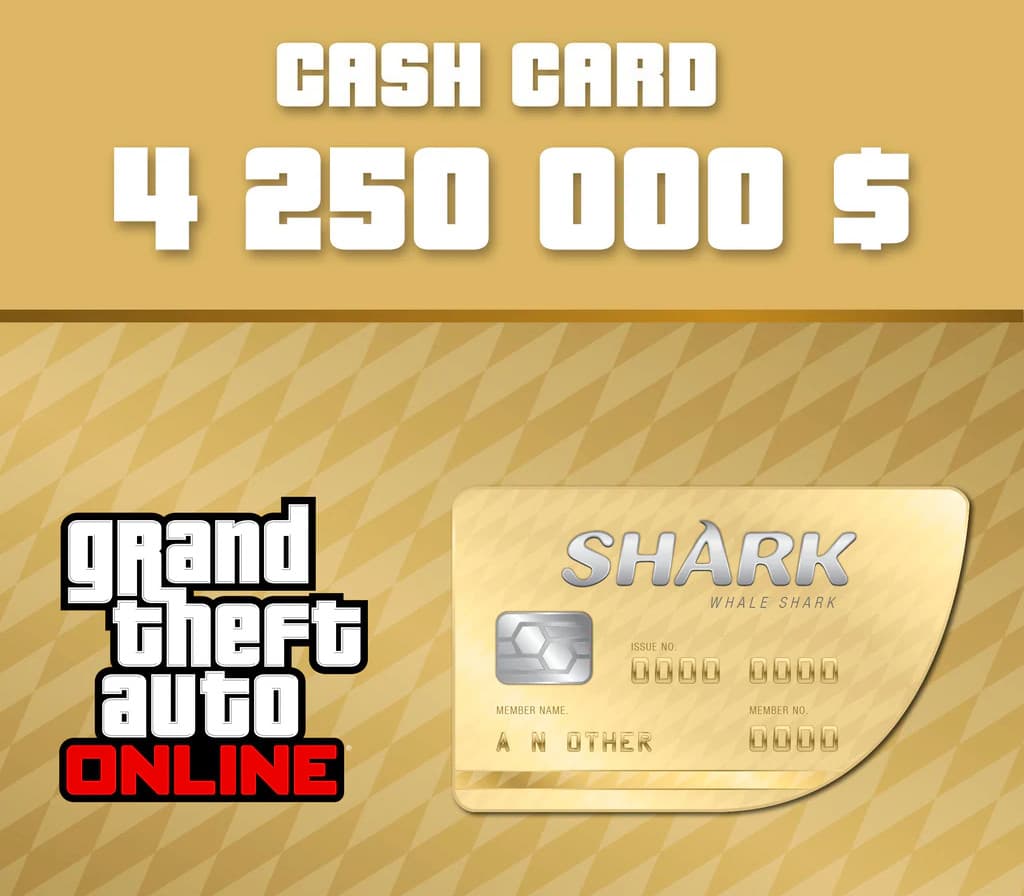
- Grand Theft Auto Online - $4,250,000 The Whale Shark Cash Card UK Xbox Series X|S CD KeyXbox Series X|SEUROPEMetacritic 97Only 6 keys left
 €37.57
 - Grand Theft Auto Online - $4,250,000 The Whale Shark Cash Card Xbox Series X|S CD KeyXbox Series X|SSelected countriesMetacritic 97€36.20
- Grand Theft Auto Online - $4,250,000 The Whale Shark Cash Card US Xbox Series X|S CD KeyXbox Series X|SAMERICASMetacritic 97Only 6 keys left€37.57
- Grand Theft Auto Online - $4,250,000 The Whale Shark Cash Card EU Xbox Series X|S CD KeyXbox Series X|SEUROPEMetacritic 97Only 1 key left€34.91
- Grand Theft Auto V + Great White Shark Cash Card RU/CIS PC Rockstar Digital Download CD KeyRockstar GamesSelected countriesMetacritic 96
 €18.17
 - Grand Theft Auto V + Great White Shark Cash Card EU PC Rockstar Digital Download CD KeyRockstar GamesEUROPEMetacritic 96Only 1 key left€14.84