The code arrives as text or as a picture of the card, on your order page. We email you a link to it, never the key itself.
How to activate
To Redeem: Taco Bell eGift Cards can be redeemed online at http://www.tacobell.com or through the Taco Bell® App on your phone (app available on iOS and Andriod). Visit the link above to login or create an account here: https://www.tacobell.com/login or if you download app, will take you through process automatically. Once logged into your Taco Bell account (online or app), click on “Payments“ under Profile. Then select “Add New Gift Card”. You will then need to enter the eGift Card number and PIN manually; it will not work if you copy & paste. When done, click “Add Card”. This will register and load your eGift Card to your account immediately. If not, please call 1-888-999-5605. See complete terms of use at https://www.tacobell.com/gift-cards/terms-of-use.
Other gift cards
- Grand Theft Auto Online - $4,250,000 The Whale Shark Cash Card US Xbox Series X|S CD KeyXbox Series X|SAMERICASMetacritic 97
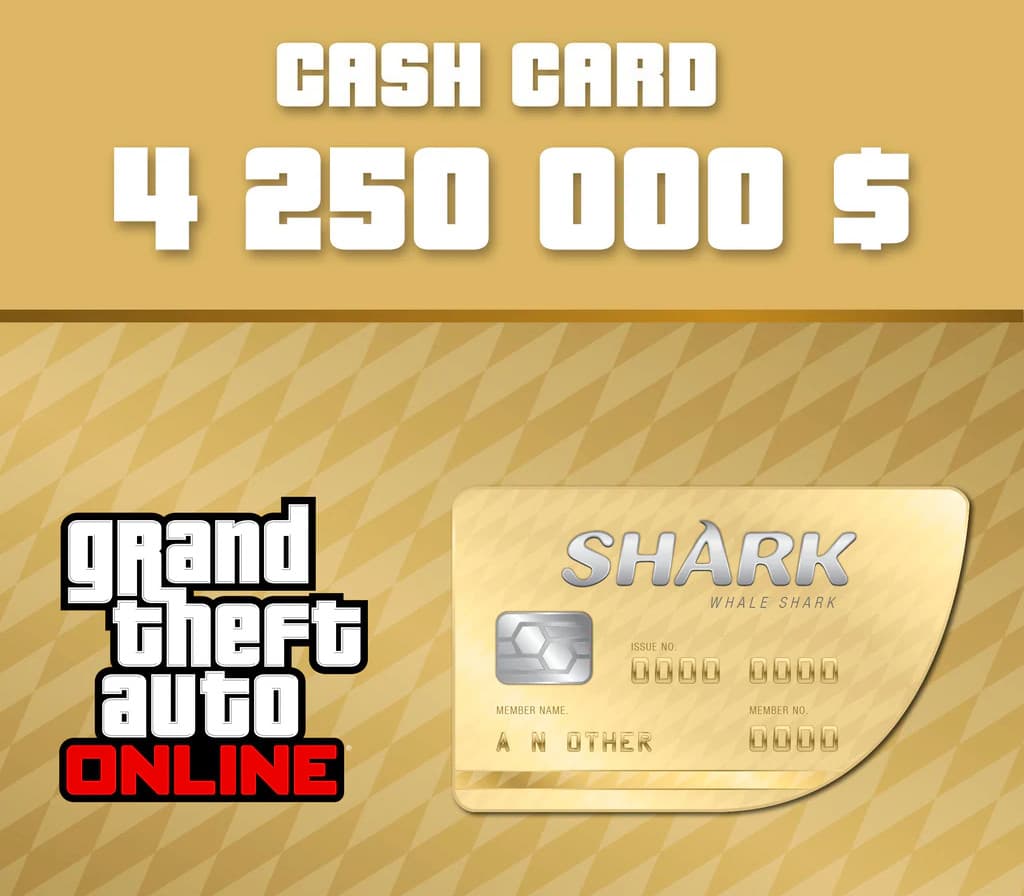 €36.83
 - Grand Theft Auto Online - $4,250,000 The Whale Shark Cash Card Xbox Series X|S CD KeyXbox Series X|SSelected countriesMetacritic 97€36.28
- Grand Theft Auto Online - $4,250,000 The Whale Shark Cash Card EU Xbox Series X|S CD KeyXbox Series X|SEUROPEMetacritic 97Only 1 key left€35.94
- Grand Theft Auto Online - $4,250,000 The Whale Shark Cash Card UK Xbox Series X|S CD KeyXbox Series X|SEUROPEMetacritic 97€36.83
- Grand Theft Auto V + Great White Shark Cash Card EU PC Rockstar Digital Download CD KeyRockstar GamesEUROPEMetacritic 96Only 1 key left
 €14.74
 - Grand Theft Auto V + Great White Shark Cash Card Rockstar Digital Download CD KeyOtherRest of the worldMetacritic 96€13.98