The code arrives as text or as a picture of the card, on your order page. We email you a link to it, never the key itself.
How to activate
Gift cards apply Uber Cash or Uber credits (depending on your location) to an Uber account. To redeem a gift card: In the Uber app Make sure you have the latest version of the Uber app. Tap the menu icon and select Wallet. Tap Add Payment Method or Redeem Gift Card. Then tap Gift Card. Enter your PIN/gift code (with no spaces). Tap Add. In the Uber Eats app Make sure you have the latest version of the Uber Eats app. Tap the Account icon and select Wallet. Select Add Payment Method. Select Gift Card. Enter your PIN/gift code (with no spaces). Tap Add. Once a gift card is added to an Uber account, it can’t be transferred. You can’t reload a gift card after it has been purchased, but you can add multiple gift cards to an Uber account. Each Uber account can hold a maximum limit of $2, 000 in total gift card value. As you use up your credits, you can add more.
Other gift cards
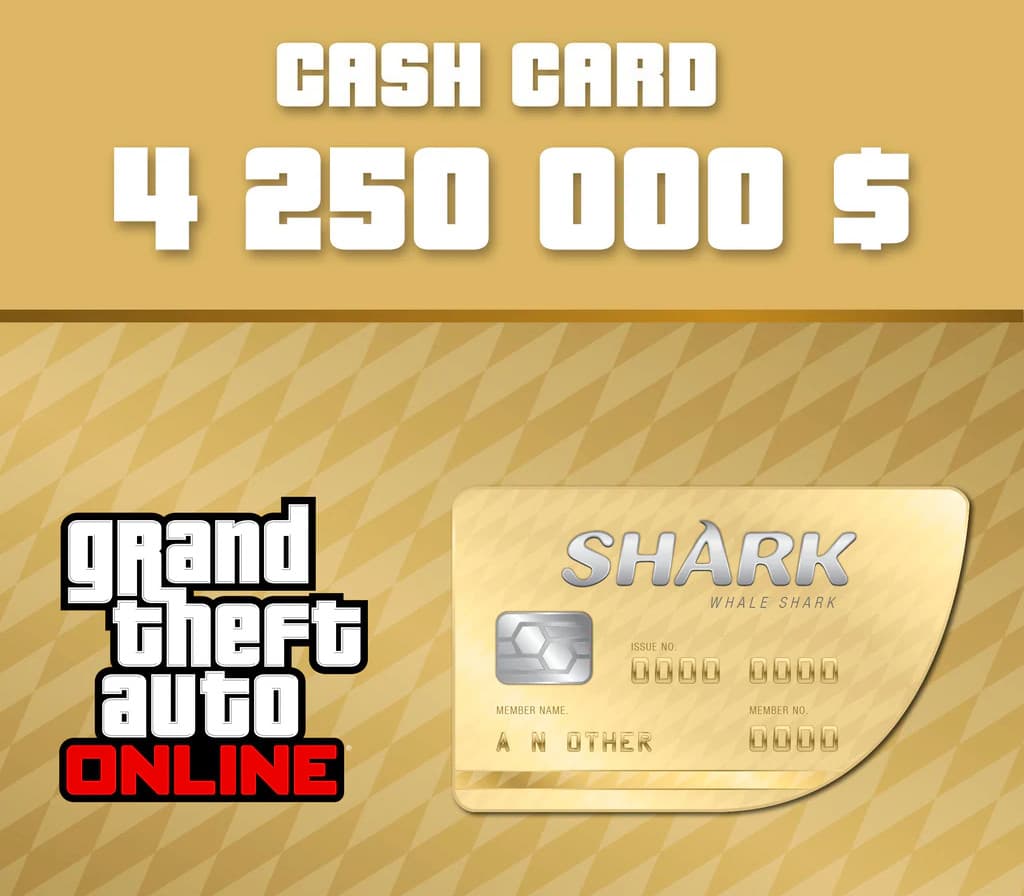
- Grand Theft Auto Online - $4,250,000 The Whale Shark Cash Card US Xbox Series X|S CD KeyXbox Series X|SAMERICASMetacritic 97Only 6 keys left
 €36.54
 - Grand Theft Auto Online - $4,250,000 The Whale Shark Cash Card Xbox Series X|S CD KeyXbox Series X|SSelected countriesMetacritic 97€36.36
- Grand Theft Auto Online - $4,250,000 The Whale Shark Cash Card EU Xbox Series X|S CD KeyXbox Series X|SEUROPEMetacritic 97Only 1 key left€36.44
- Grand Theft Auto Online - $4,250,000 The Whale Shark Cash Card UK Xbox Series X|S CD KeyXbox Series X|SEUROPEMetacritic 97Only 6 keys left€36.54
- Grand Theft Auto V + Great White Shark Cash Card EU PC Rockstar Digital Download CD KeyRockstar GamesEUROPEMetacritic 96
 €14.72
 - Grand Theft Auto V + Great White Shark Cash Card Rockstar Digital Download CD KeyOtherRest of the worldMetacritic 96€14.09