



About the game
SURVIVE A VIRTUAL WORLD Battle your way through unique and beautiful locations. Packed with challenge monsters and enormous bosses bent on taking you out, don’t give them the satisfaction! Pick one of six characters each with unique abilities and battle styles! PLAY SOLO OR CO-OP Challenge yourself by taking on enemies alone, or with up to four of your friends online and battle cooperatively!
How to activate
Go to: http://store.steampowered.com/ and download STEAM client Click "Install Steam" (from the upper right corner) Install and start application, login with your Account name and Password (create one if you don't have). Please follow these instructions to activate a new retail purchase on Steam: Launch Steam and log into your Steam account. Click the Games Menu. Choose Activate a Product on Steam... Follow the onscreen instructions to complete the process. After successful code verification go to the "LIBRARY" tab and start downloading.
System requirements
Windows
- Minimum: Requires a 64-bit processor and operating system OS: Windows 10 20H1↑ Processor: AMD, Intel Memory: 4 GB RAM Graphics: AMD, Nvidia GTX 750 Ti DirectX: Version 11 Storage: 6 GB available space Additional Notes: 750 Ti/1K≈30FPS, 750 Ti/720p≈60FPS, 1050, 1050ti/1K≈50FPS, 960/1K≈60FPS Steam Deck/1K≈50FPS ROG Ally/1K≈70FPS 1. Using FSR should further improve performance. 2. Windows 10 1909 requires launching with -dx11, It will sacrifice performance. We recommend updating Windows 10 to a version newer than 1909, launch using the default DX12. *You can play offline in single-player mode when Steam is set to offline mode.
Linux
- Minimum: OS: SteamOS / Steam Play and Proton Processor: APU e.g. Zen2 + RDNA2 APU(Steam Deck) or above Memory: 4 GB RAM Graphics: APU e.g. Zen2 + RDNA2 APU(Steam Deck) or above Network: Broadband Internet connection Storage: 7 GB available space Additional Notes: 1. Native Linux cannot run directly, please use SteamOS. 2. It might be possible to play using the Steam Play Proton compatibility options. Check:
You may also like
- The Legend of Zelda: Breath of the Wild JP Nintendo Switch KeyNintendo · ASIA · Metacritic 100Only 1 keys left
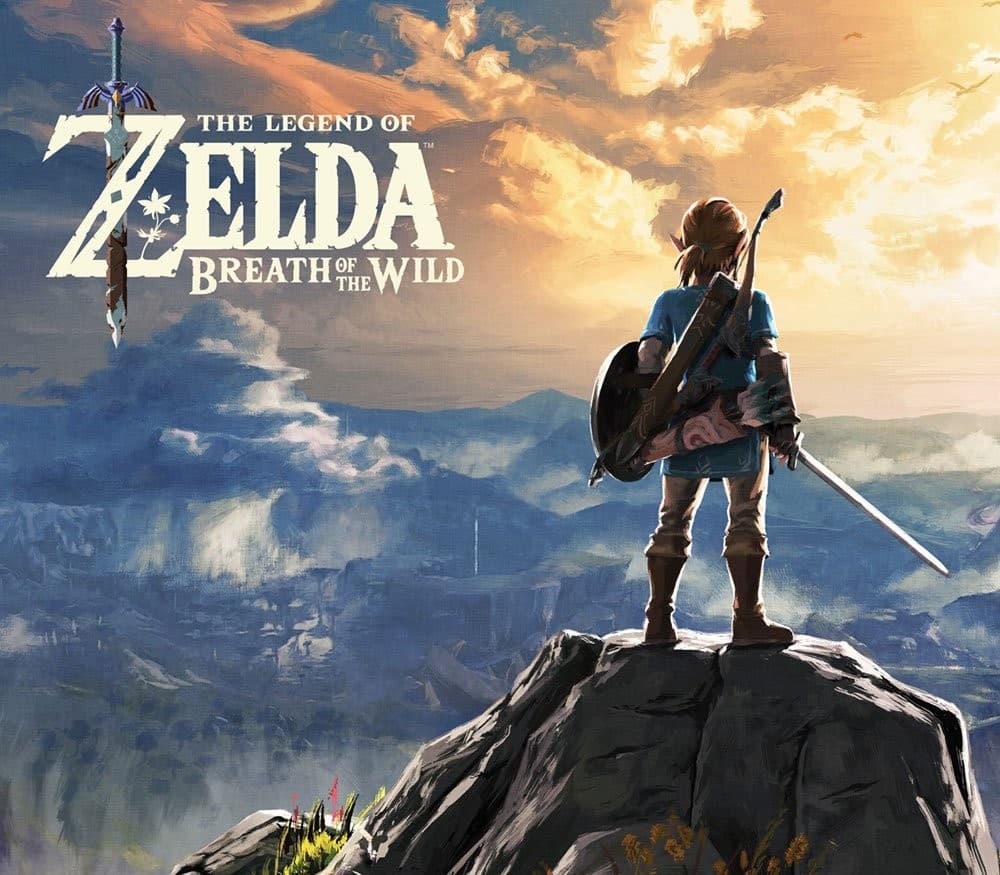 €59.99
 - The Legend of Zelda: Breath of the Wild Nintendo Switch AccessNintendo · REGION FREE · Metacritic 100Only 5 keys left€33.31
- Grand Theft Auto V LATAM Steam GiftSteam · Latin America (LATAM) · Metacritic 98Only 1 keys left
 €47.99
 - Grand Theft Auto V: Premium Online Edition AR XBOX One / Xbox Series X|S CD KeyXbox One · Argentina · Metacritic 98Only 5 keys left
 €52.98
 - Grand Theft Auto V: Premium Online Edition XBOX One / Xbox Series X|S AccountXbox One · OTHER · Metacritic 98Only 8 keys left€22.08
- Red Dead Online - 25 Gold Bars XBOX One CD KeyXbox One · REGION FREE · Metacritic 97Only 4 keys left
 €11.09