
About the game
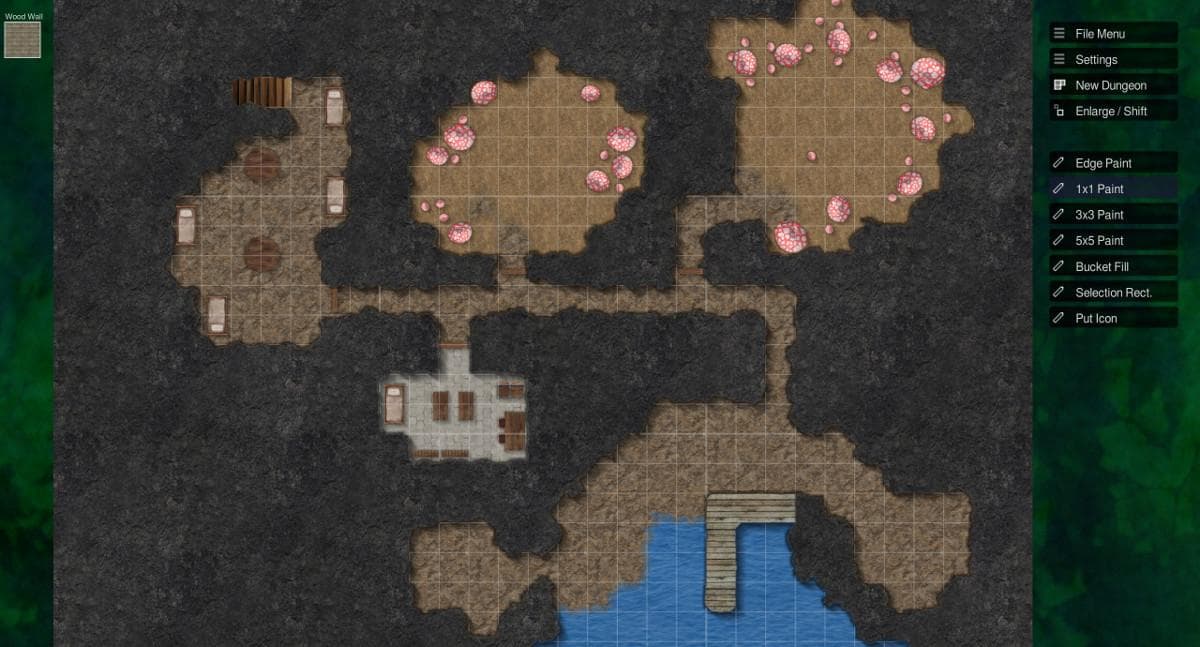
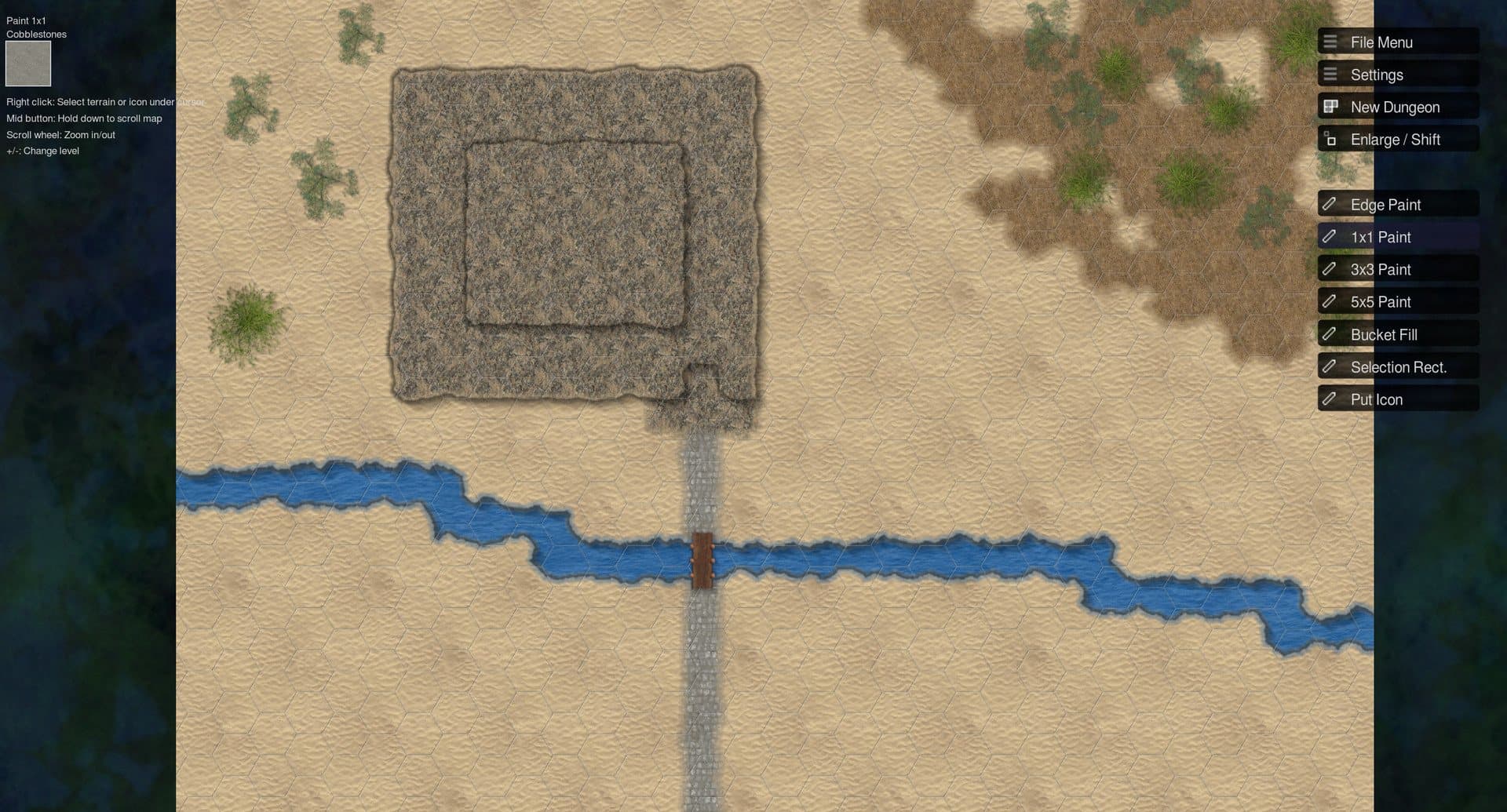
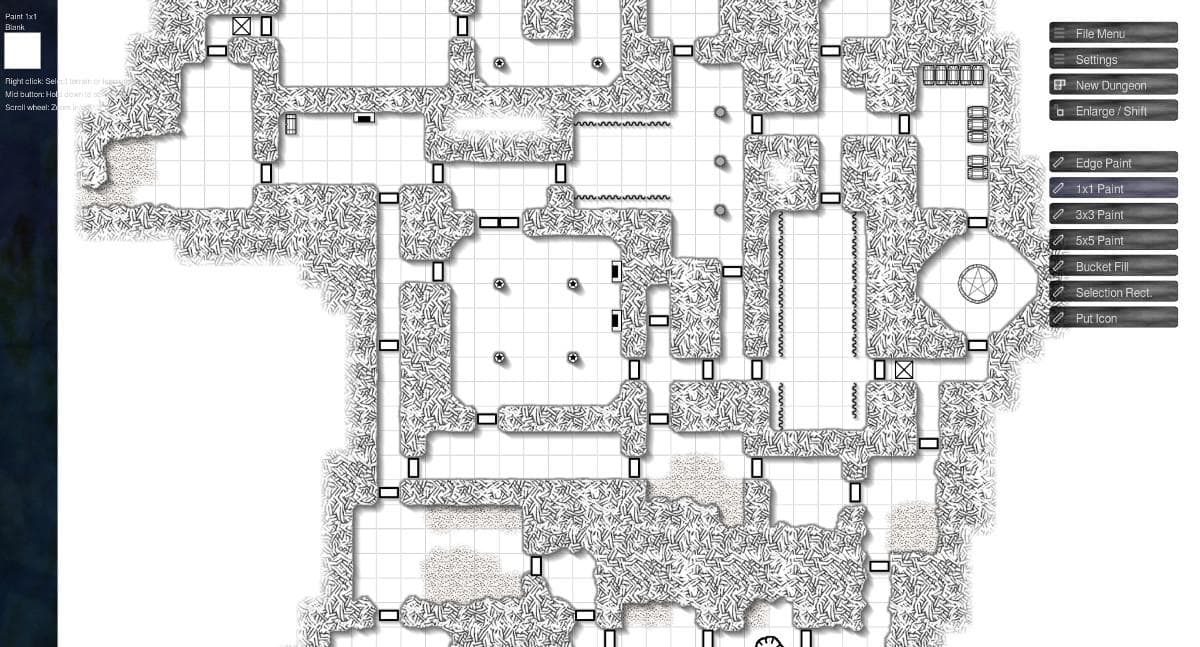
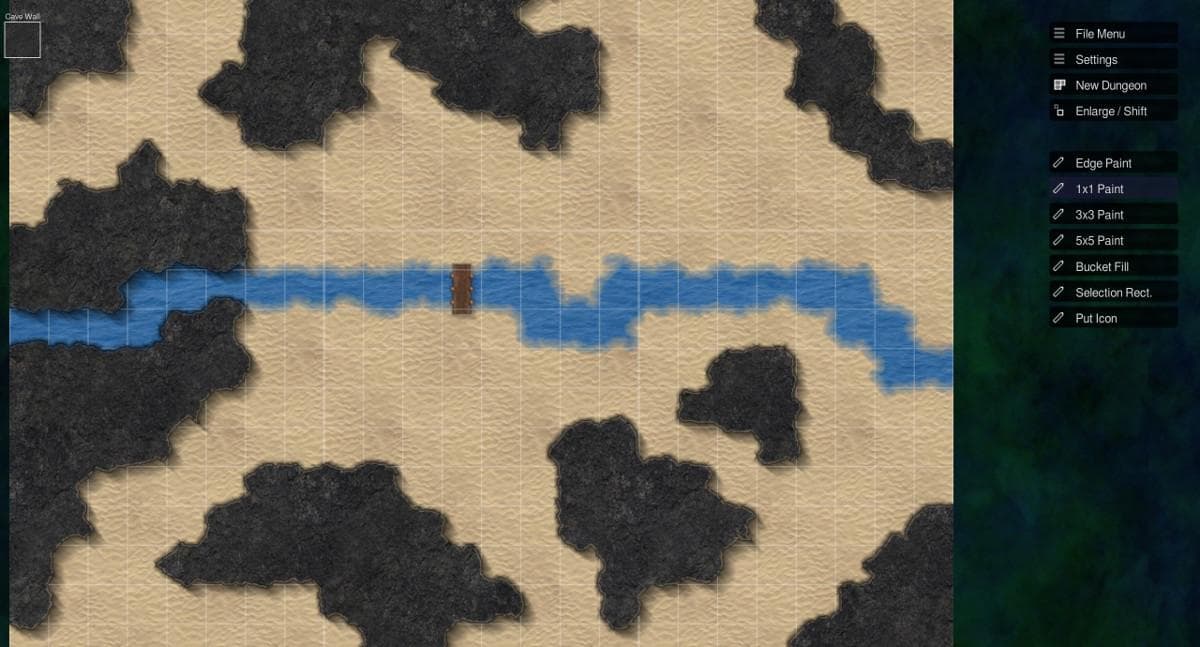
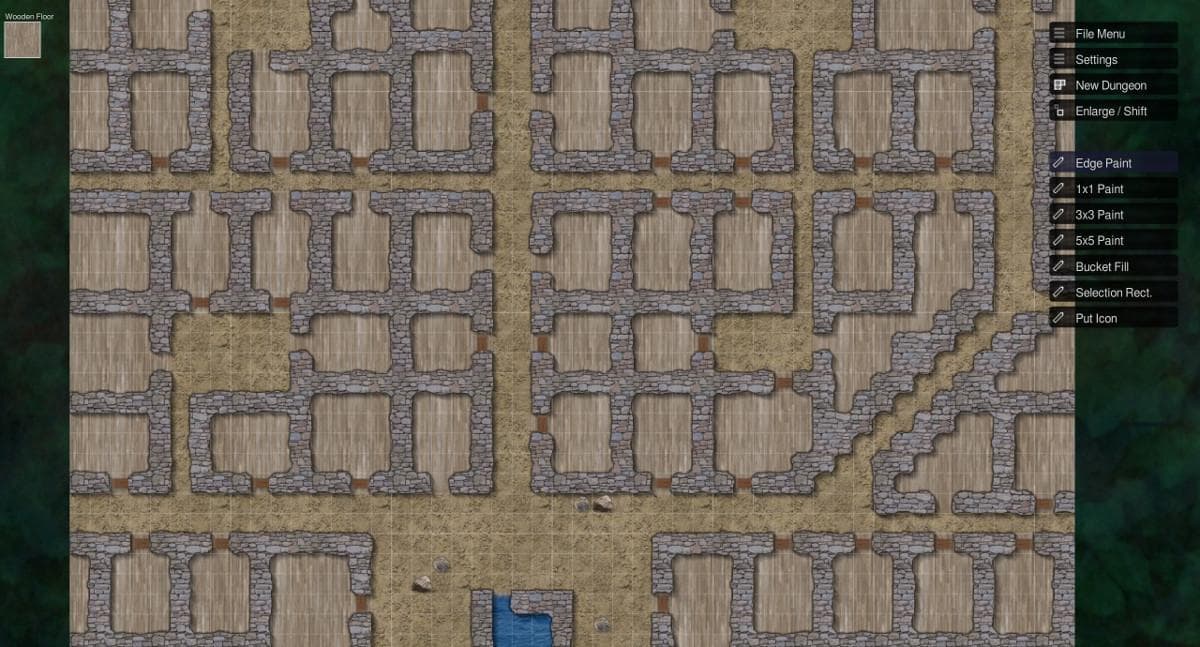
Illwinter's Floorplan Generator is a grid based dungeon and wilderness floorplan creator. The floorplan generator can be used to quickly draw and print an encounter floorplan for your favorite pen and paper roleplaying game. It is very quick and easy to create a simple floorplan, you just select what terrain type each square should be and the program fixes the rest. E.g. a cave wall next to a rocky ground will automatically create a jagged wall, but the same cave wall next to a marble floor would create a much smoother wall because this is likely to be an indoor room with polished walls. Features About 50 different terrain types to choose from Icons included for the most common objects, e.g. doors, stairs, tables, beds, trees, bushes, pentagrams Color maps or old school black and white style Adjacent terrains interact automatically to create jagged edges, smooth transitions and shadows when necessary Random fractals used to create shapes for cave walls, rivers and other non regular terrains Create a multi-page pdf with the dungeon divided into pages suitable for printing Export dungeon as a single png suitable for roll20 and similar applications Configurable square and paper sizes, (default is 1 inch squares on A4 pages) Outdoor and dungeon shadows with configurable strength Export to your favorite paint program for finishing touches Import your own icons Create new terrain types from imported images Configurable grid, default is to not draw it on top of walls and with thicker lines between pages Grid based, terrain is placed in squares or on square edges (icons can be placed and rotated freely) Shortcuts to quickly put a random door, tree or bush in a square Dungeon layout can be imported from a simple ASCII text file, like this http://www.illwinter.com/floorplan/ss/ascii.jpg Create random dungeons automatically Editor to create rules for your own random dungeon Color dungeons can be converted to Black & White style dungeons automatically Steam workshop support
How to activate
Go to: http://store.steampowered.com/ and download STEAM client Click "Install Steam" (from the upper right corner) Install and start application, login with your Account name and Password (create one if you don't have). Please follow these instructions to activate a new retail purchase on Steam: Launch Steam and log into your Steam account. Click the Games Menu. Choose Activate a Product on Steam... Follow the onscreen instructions to complete the process. After successful code verification go to the "MY GAMES" tab and start downloading.
System requirements
Windows
- OS: win 7 or later Processor: Intel Core 2 Duo or better Memory: 4 GB RAM Storage: 200 MB available space
Mac
- OS: 10.12 or later Processor: Intel Core 2 Duo or better Memory: 4 GB RAM Storage: 200 MB available space
Linux
- OS: any 32- or 64-bit distro that can run Steam Processor: Intel Core 2 Duo or better Memory: 4 GB RAM Storage: 200 MB available space
You may also like
- Super Mario Odyssey EU Nintendo Switch CD KeyNintendo · EUROPE - all countries · Metacritic 97Only 2 keys left
 €71.93
 - Super Mario Odyssey Nintendo Switch AccessNintendo · REGION FREE · Metacritic 97Only 9 keys left€53.80
- Super Mario Odyssey US Nintendo Switch KeyNintendo · United States · Metacritic 97€48.70
- Super Mario Odyssey NA Nintendo Switch KeyNintendo · North America · Metacritic 97€53.89
- Super Mario Odyssey JP Nintendo Switch CD KeyNintendo · Japan · Metacritic 97Only 1 keys left€53.99
- Super Mario Odyssey EU Nintendo Switch 2 CD KeyNintendo Switch 2 · EUROPE - all countries · Metacritic 97Only 2 keys left€71.86