About the game
Northern Québec, 1970. A bizarre mist —the Brume— is disconnecting a rural mining village from its quiet reality. Step into the shoes of Detective Carl Faubert as he unfolds the mysteries haunting the region while battling for his own survival.
How to activate
Use the credentials you received (directly or via an external website) and log into the account. Make sure that the content on the account is correct (correct edition of the game, no playtime etc.) Add the purchased account to your console and set it as Xbox home account: Purchased account has to be added as a new user, not as a guest30 Xbox Series X S How to Make Account Primary! Change the credentials to make the account your own: Change the email Change the password Add 2FANOTE: Applying any changes to the purchased account, such as adding a payment method or changing the region, may result in the account being banned. In such cases, no refund is applicable. Once the account is added to your console (as a Xbox home account), download the game and switch back to the account you would like to play from. This way your progress will be saved on the account you are using. The account should be used as a way of accessing the game/content you are interested in. It is not recommended to use it as your main account, as you might have issues with making purchases on it. Note: Some content available in the Special Editions like in-game currency, skins, bonuses etc. may not be accessible from your main account.
System requirements
Windows
- Minimum: Requires a 64-bit processor and operating system OS: Windows 10 64-bit Processor: Intel Core i3-6100 | AMD FX 8350 Memory: 8 GB RAM Graphics: NVIDIA Geforce GTX 760 / 965M | AMD Radeon HD 7850 with 2gb of VRAM DirectX: Version 11 Storage: 35 GB available space
You may also like
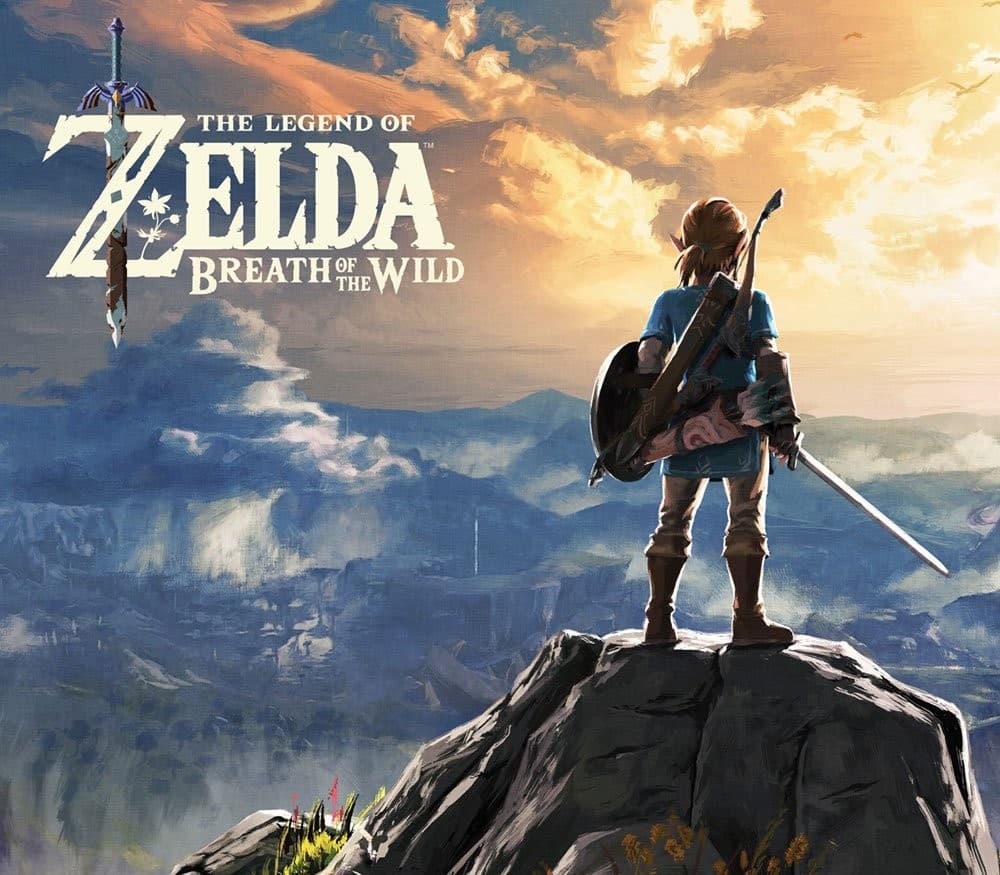
- The Legend of Zelda: Breath of the Wild JP Nintendo Switch KeyNintendoASIAMetacritic 100Only 1 key left
 €59.99
 - The Legend of Zelda: Breath of the Wild Nintendo Switch AccessNintendoRegion freeMetacritic 100Only 4 keys left€33.31
- Baldur's Gate 3 UK Xbox Series X|S CD KeyXbox Series X|SUnited KingdomMetacritic 99Only 2 keys left
 €84.07
 - Grand Theft Auto V: Premium Online Edition AR XBOX One / Xbox Series X|S CD KeyXbox OneArgentinaMetacritic 98Only 5 keys left
 €52.98
 - Grand Theft Auto V LATAM Steam GiftSteamLatin America (LATAM)Metacritic 98Only 1 key left
 €47.99
 - Grand Theft Auto V: Premium Online Edition XBOX One / Xbox Series X|S AccountXbox OneSelected countriesMetacritic 98Only 8 keys left€22.08