

About the game
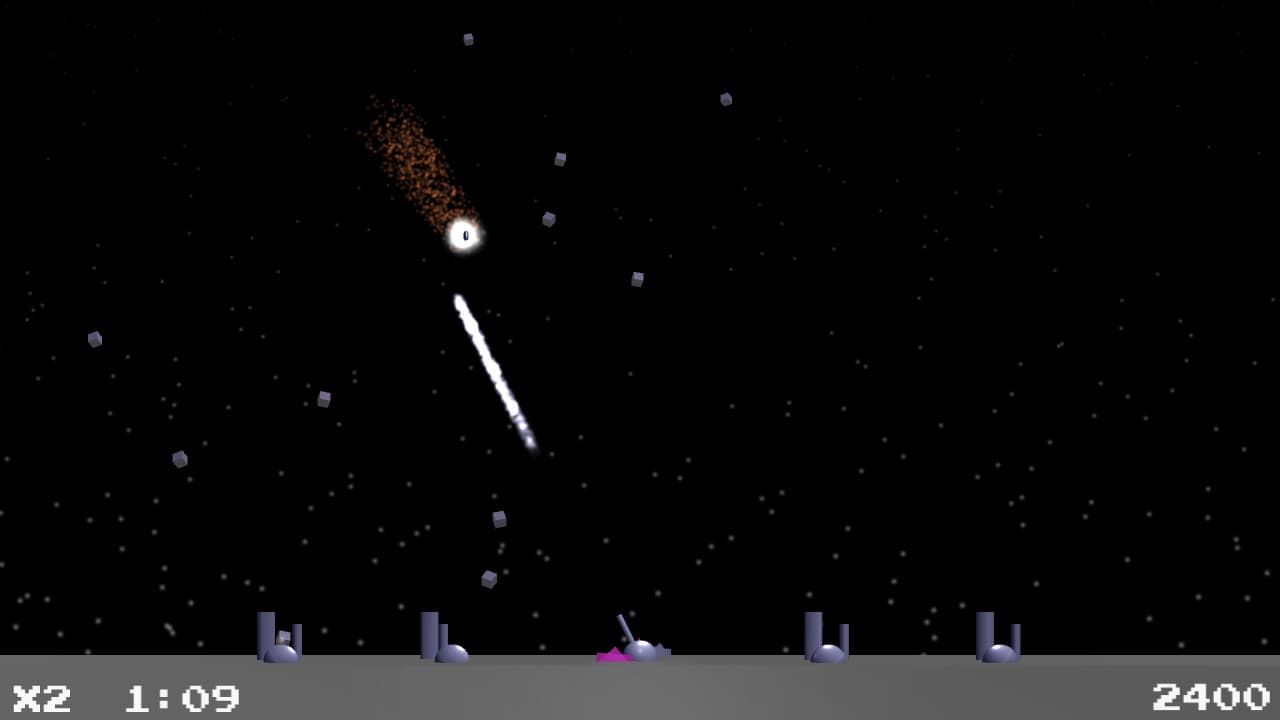
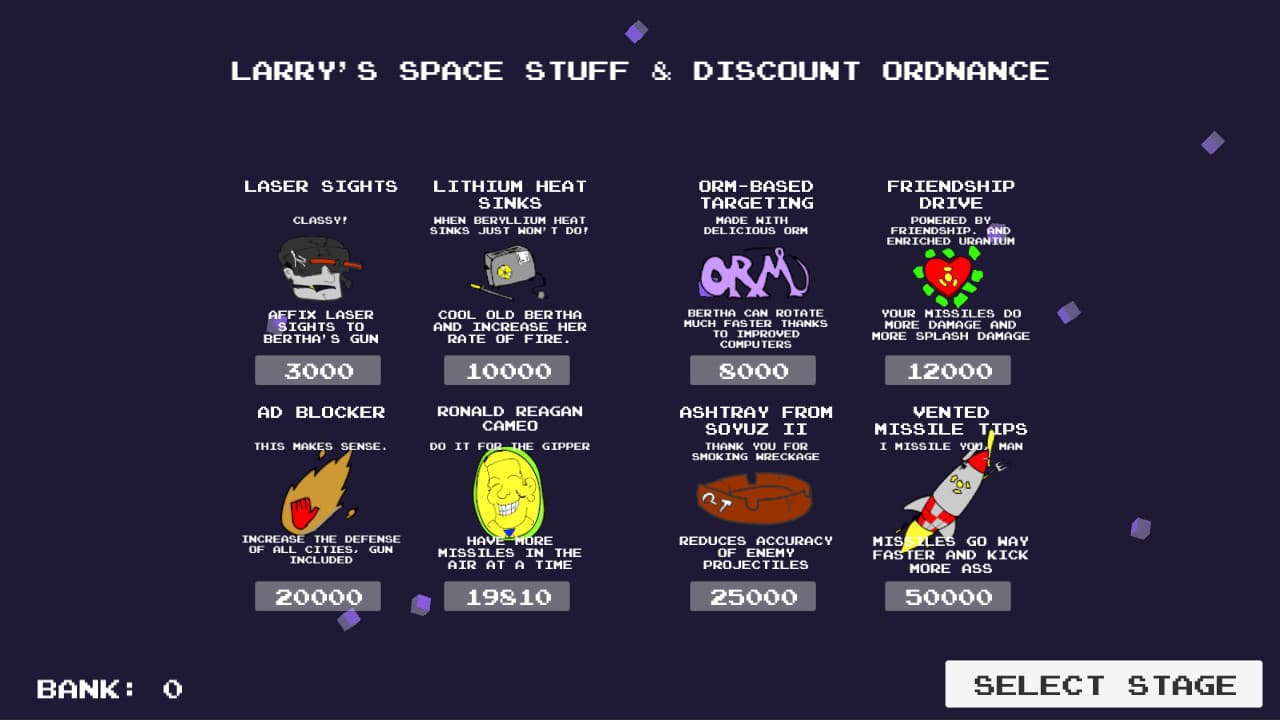
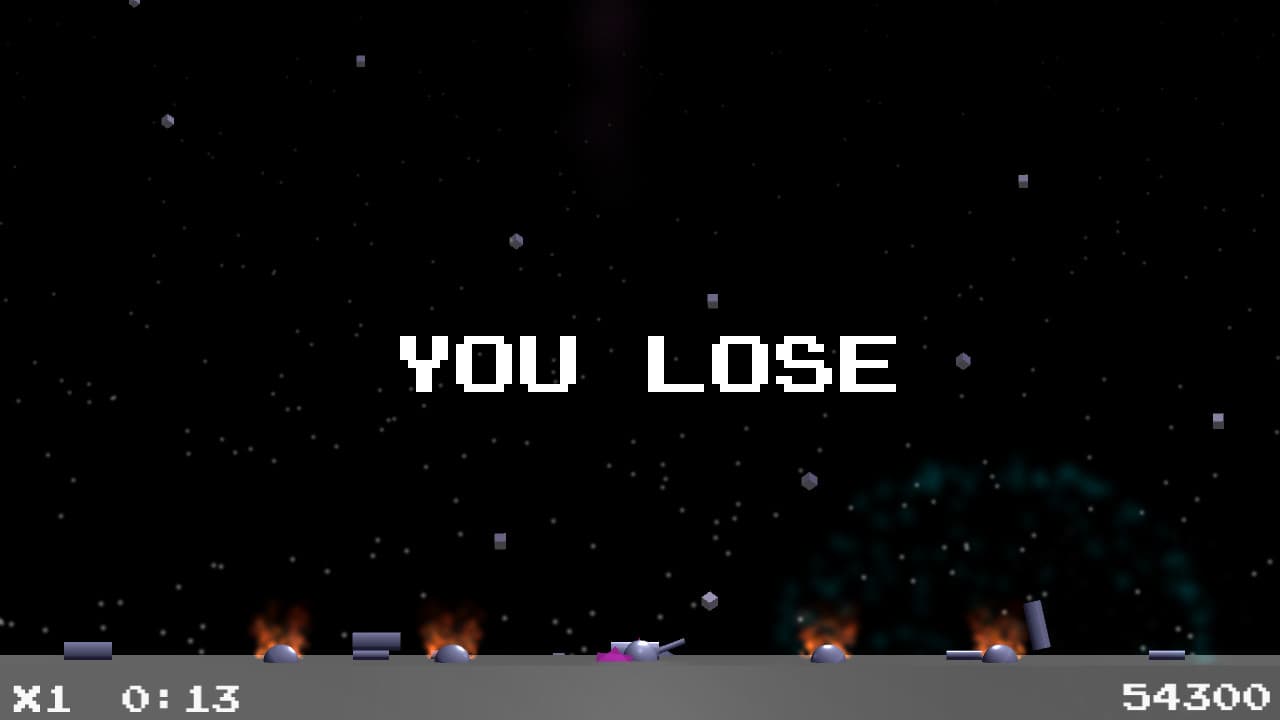
Moon Defense - protection of a lunar settlement from falling meteorites. You have to go through 8 levels to defend the lunar settlement. Each level is distinguished by a timer for protection, the number and durability of meteorites falling on you. By earning credits for defending a settlement, you can upgrade your rocket launcher and the defense of the settlement.
How to activate
Go to: http://store.steampowered.com/ and download STEAM client Click "Install Steam" (from the upper right corner) Install and start application, login with your Account name and Password (create one if you don't have). Please follow these instructions to activate a new retail purchase on Steam: Launch Steam and log into your Steam account. Click the Games Menu. Choose Activate a Product on Steam... Follow the onscreen instructions to complete the process. After successful code verification go to the "LIBRARY" tab and start downloading.
System requirements
Windows
- Minimum: OS *: Windows 7/8/10 Processor: 2 GHz Memory: 1024 MB RAM Graphics: 512 MB Storage: 300 MB available space
You may also like
- The Legend of Zelda: Breath of the Wild JP Nintendo Switch KeyNintendo · ASIA · Metacritic 100Only 1 keys left
 €59.99
 - The Legend of Zelda: Breath of the Wild Nintendo Switch AccessNintendo · REGION FREE · Metacritic 100Only 5 keys left€33.31
- Grand Theft Auto V: Premium Online Edition XBOX One / Xbox Series X|S AccountXbox One · OTHER · Metacritic 98Only 8 keys left
 €22.08
 - Grand Theft Auto V LATAM Steam GiftSteam · Latin America (LATAM) · Metacritic 98Only 1 keys left
 €47.99
 - Grand Theft Auto V: Premium Online Edition AR XBOX One / Xbox Series X|S CD KeyXbox One · Argentina · Metacritic 98Only 5 keys left€52.98
- Grand Theft Auto V XBOX One CD KeyXbox One · REGION FREE · Metacritic 97Only 4 keys left
 €53.12