


About the game
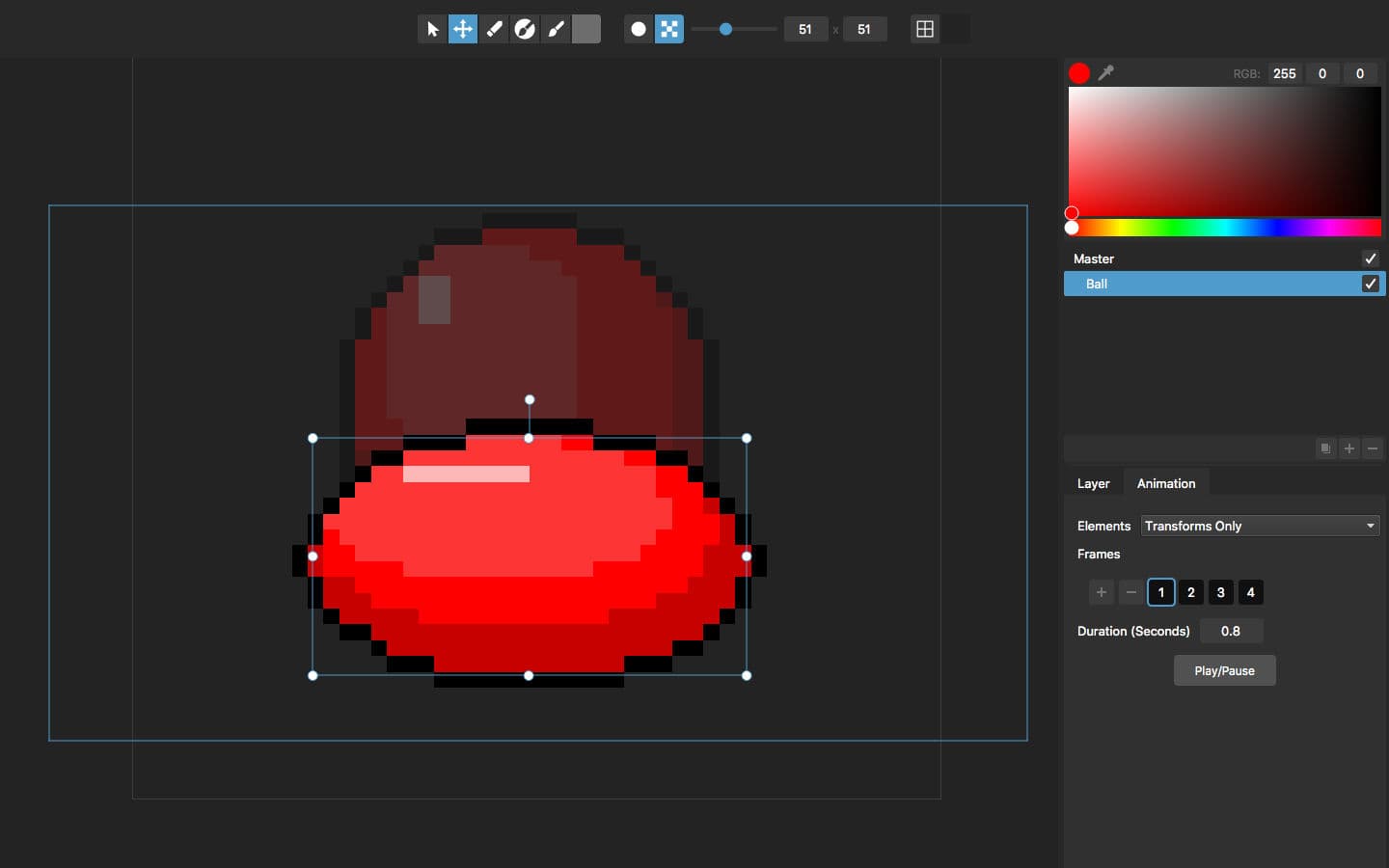
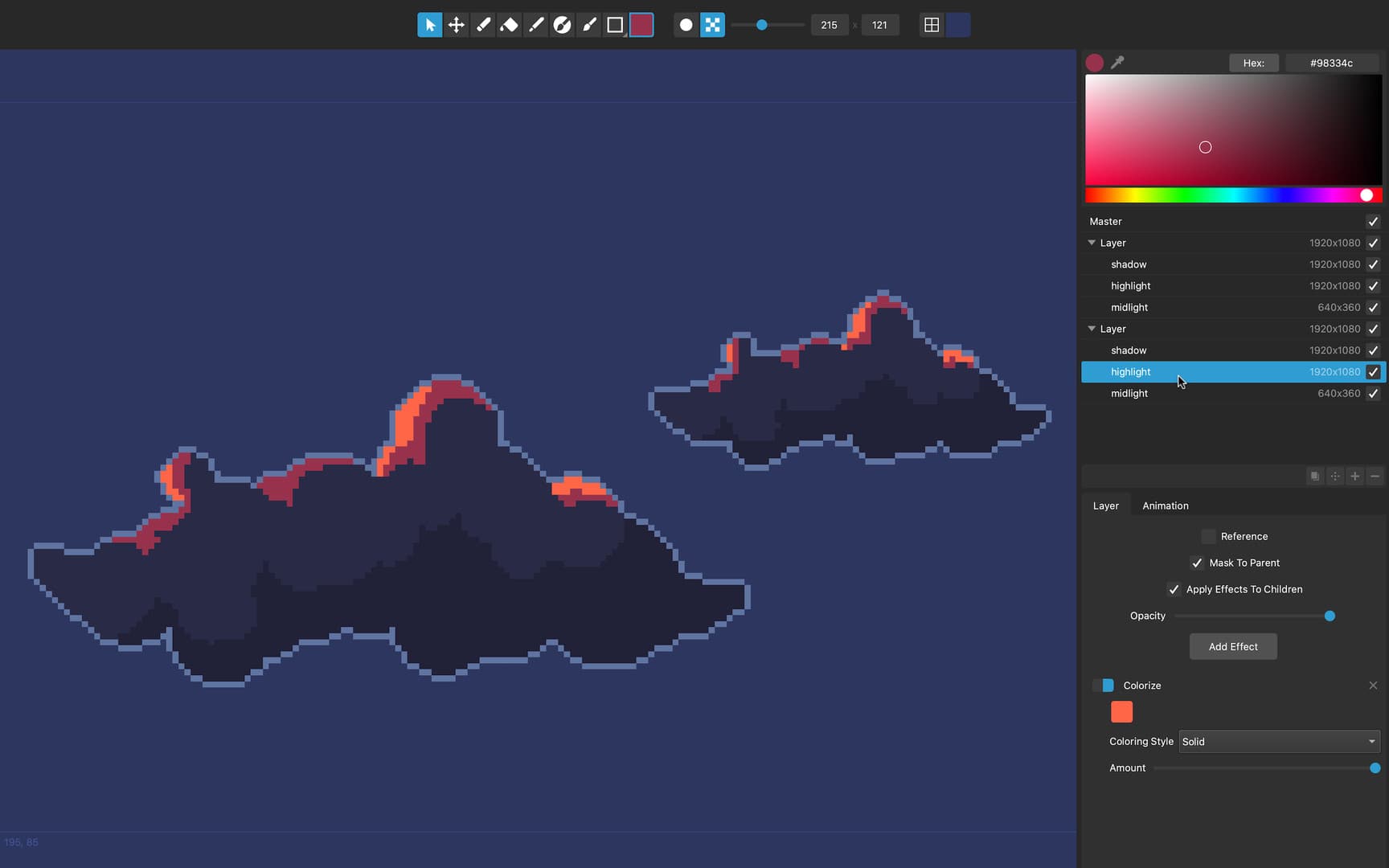
Pixelmash allows artists and game makers to craft pixel art and animations using a completely new technique, based on painting or importing an image in a high-resolution layer, while non-destructively pixelizing and applying other layer effects to create incredible pixel art. This makes several traditionally difficult pixel art tasks much easier: Making outlines, shading, and dithering easily adjustable by having them applied non-destructively as layer effects. Creating animations using layer transforms (rather than having to paint every frame pixel-by-pixel). Easily creating different resolutions and color variants of the same image. Converting photos or other hi-res artwork into pixel art using layer effects and the resolution slider. And much more! It's a brilliant new art tool for game makers, artists, hobbyists, kids, and lovers of the 8-bit and 16-bit era.
How to activate
Go to: http://store.steampowered.com/ and download STEAM client Click "Install Steam" (from the upper right corner) Install and start application, login with your Account name and Password (create one if you don't have). Please follow these instructions to activate a new retail purchase on Steam: Launch Steam and log into your Steam account. Click the Games Menu. Choose Activate a Product on Steam... Follow the onscreen instructions to complete the process. After successful code verification go to the "LIBRARY" tab and start downloading.
System requirements
Windows
- Minimum: Requires a 64-bit processor and operating system OS: Windows 7 or newer Memory: 1 GB RAM Storage: 100 MB available space
Mac
- Minimum: Requires a 64-bit processor and operating system OS: MacOS 10.9 or newer Memory: 1 GB RAM Storage: 100 MB available space Recommended: Requires a 64-bit processor and operating system
You may also like
- Portal 2 - The Final Hours EU PC Steam AltergiftSteam · EUROPE · Metacritic 95
 €1.57
€1.57 - Vampire Survivors EU/UK XBOX One / Xbox Series X|S / PC CD KeyXbox One · EUROPE · Metacritic 95Only 5 keys left
 €12.42
 - Sid Meier's Civilization IV PC Steam CD KeySteam · REGION FREE · Metacritic 94
 €1.71
€1.71 - Balatro PC Steam AccountSteam · REGION FREE · Metacritic 94Only 5 keys left
 €7.99
€7.99 - Balatro RoW v2 PC Steam CD KeySteam · OTHER · Metacritic 94€10.75
- Balatro PC Steam CD Key KING's DropSteam · REGION FREE · Metacritic 94Only 1 keys left€16.80