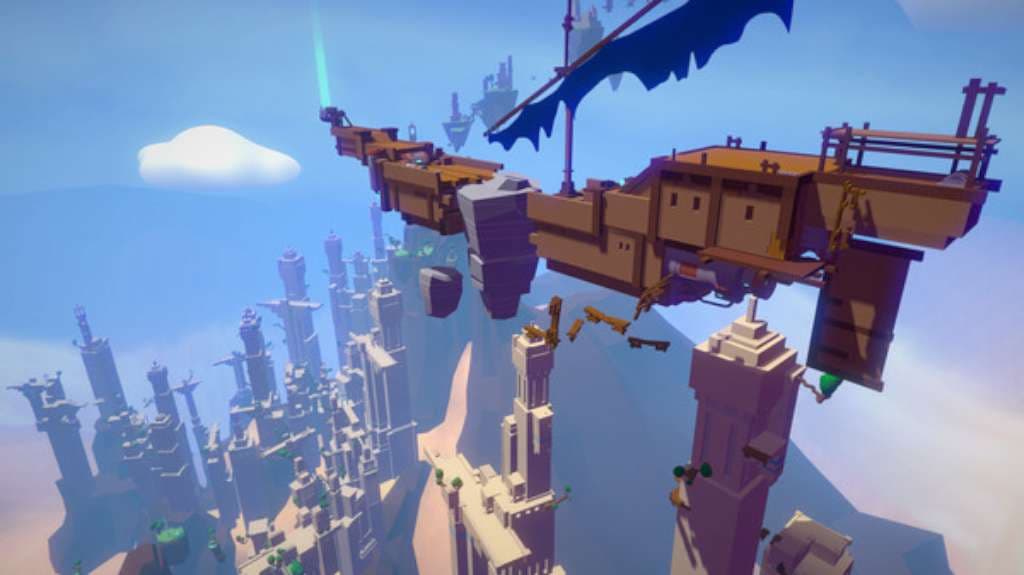
About the game
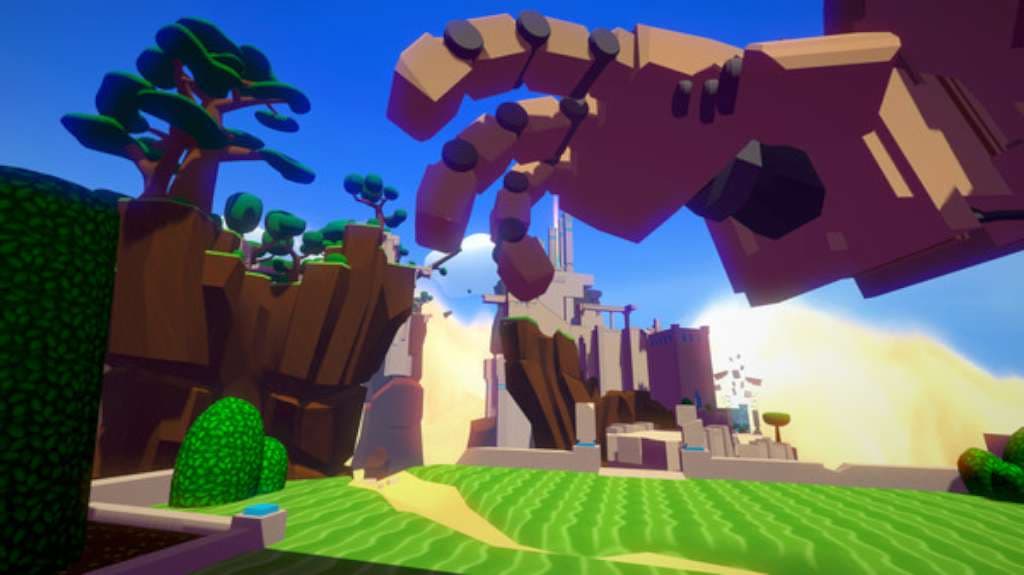
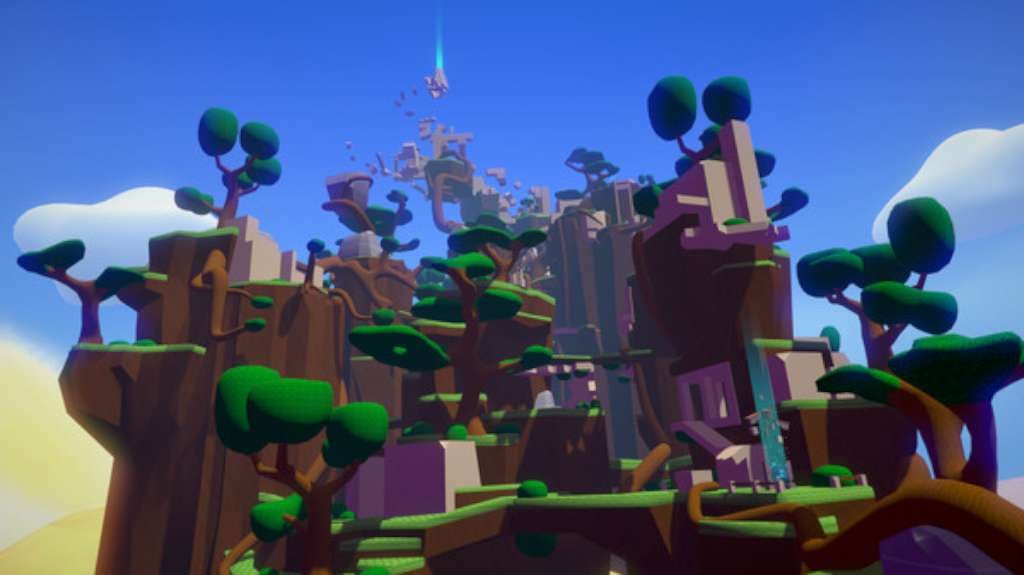
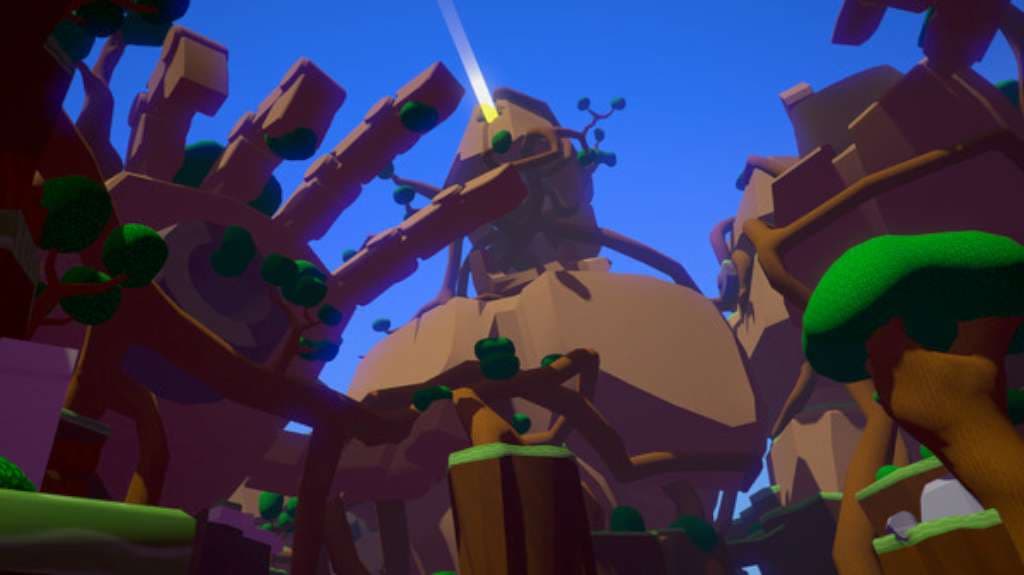
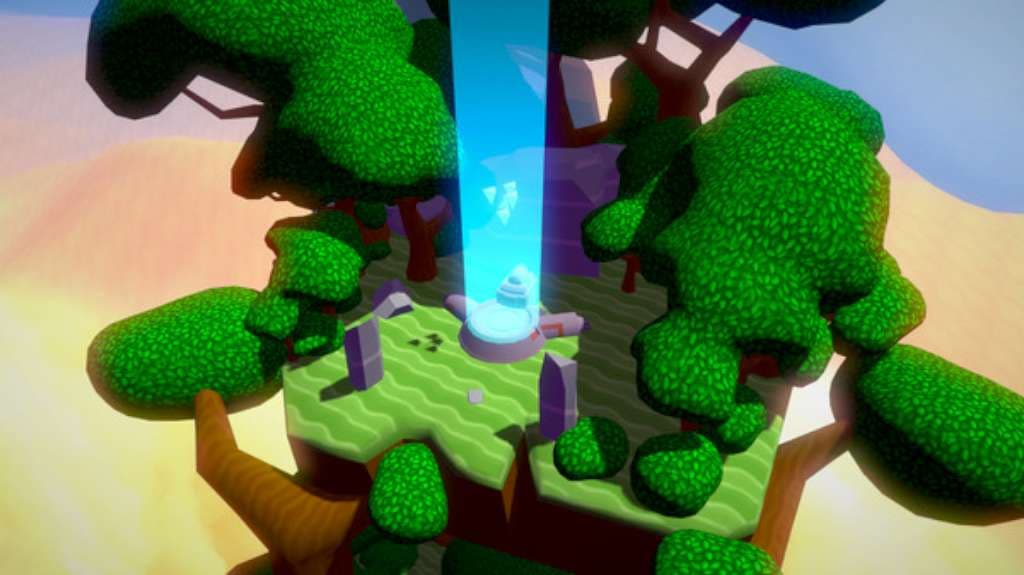
Windlands Steam Gift Platform: Steam Release Date: 5 Apr, 2016 Product Description A first person grappling hook exploration game. Soar through the ruins of a fallen civilisation and discover the secrets of the ancient world. Windlands has been developed primarily for Virtual Reality headsets, but is also a great experience for those without headsets. It appeals to those who want to explore the breathtaking vistas at a relaxing pace, while the challenging routes attract gamers who like to master the skill of soaring through the towering environments at top speed. Features Designed and build for Virtual Reality First. Grappling Hooks Focused Movement. Variety of expansive levels that reward exploration. Multiple routes provide a range of optional challenges. Skill based, Speed Runs and Time Trials. Goal Driven Gameplay. Collectibles that reward exploration and completionism. Calm, Positive, Pressure-Free, Non-Violent, Zen like relaxing play. Unlock hidden areas and discover the many secrets. Create new paths and bring life back to the shattered world. System Requirements OS: Windows 7 SP1 or newer Processor: Dual Core 2.33 GHz Intel or 3.0 GHz AMD Memory: 4 GB RAM Graphics: Geforce GTX 8800, AMD Radeon 4850 or Intel HD Graphics 5200 or better (1GB graphics memory or more. Shader Model 3.0 needs to be supported). Minimum supported resolutions 1280×720 and 1024×768. DirectX: Version 11 Storage: 3 MB available space Sound Card: Direct X Compatible Additional Notes: This is for 2D standard version, VR version higher req as per Oculus standards
How to activate
"Please remember that we are NOT responsible for any problems that may arise from purchasing and using Steam Gifts. You are doing it at your own risk. "Please note, that due to recent Valve Steam Gift policy update Steam Gifts for games that are covered by VAC ban program can no longer be added to Inventory. Make sure that you are logged in to the proper account before entering the link as Steam Gifts can be only added to your library or rejected. How do I use a Steam gift given to me? If you do not already have Steam, download and install Steam here. Once you have Steam installed, you will be prompted to create an account or login to an existing Steam account. If you do not have an account, please create one. You will receive an e-mail containing a link that will open Steam allowing you to redeem your gift. After clicking the link, you will receive a notification at the top right corner in the Steam client informing that you have a new gift.
You may also like
- The Legend of Zelda: Breath of the Wild Nintendo Switch AccessNintendo · REGION FREE · Metacritic 100Only 5 keys left
 €33.31
 - The Legend of Zelda: Breath of the Wild JP Nintendo Switch KeyNintendo · ASIA · Metacritic 100Only 1 keys left€59.99
- Baldur's Gate 3 AU Xbox Series X|S CD KeyXbox Series X|S · Australia · Metacritic 99Only 2 keys left
 €107.06
 - Baldur's Gate 3 UK Xbox Series X|S CD KeyXbox Series X|S · United Kingdom · Metacritic 99€84.11
- Grand Theft Auto V LATAM Steam GiftSteam · Latin America (LATAM) · Metacritic 98Only 1 keys left
 €47.99
 - Grand Theft Auto V: Premium Online Edition XBOX One / Xbox Series X|S AccountXbox One · OTHER · Metacritic 98Only 8 keys left
 €22.08